

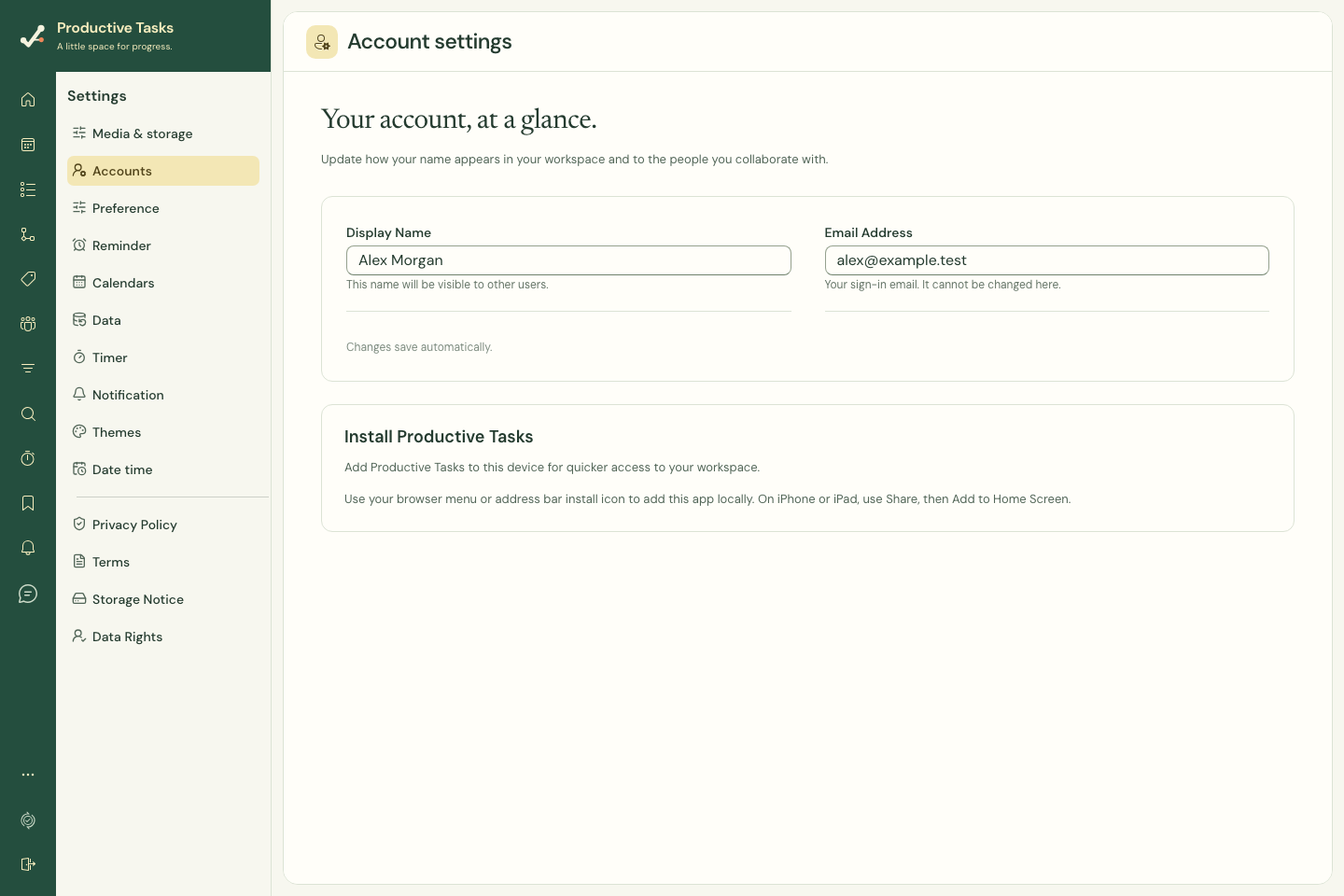
Find installation guidance
- Open Settings → Accounts.
- Find the installation card.
- Use the install action if your browser offers it.
- Otherwise follow the browser-specific instructions shown in the card.
On iPhone or iPad
Use the Safari sharing controls and Add to Home Screen when following the web-installation guidance. Open the installed icon to use the web app in its own window.
Understand the app you installed
An installed web app uses the web product. A native iOS or Android app is a separate build with its own phone navigation and operating-system integrations. Installing the website does not install a native store binary.