

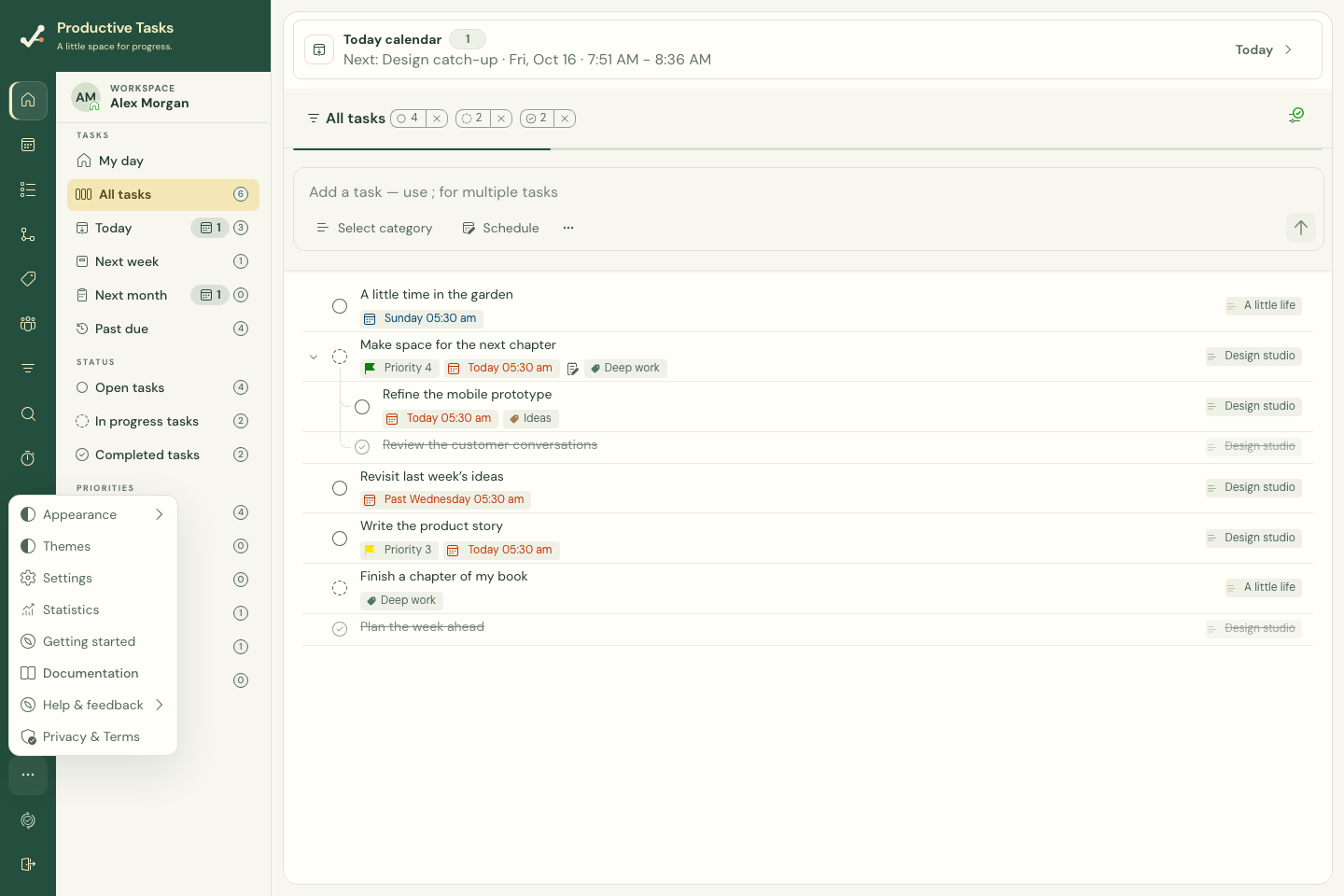
Choose the right starting point
| Destination | Use it for |
|---|---|
| Home / My day | Review the day and launch focused work. |
| All tasks | Browse your complete task collection. |
| Categories and tags | Work within a particular area or across related work. |
| Calendar | See tasks alongside calendar events. |
| Task Maps | Arrange connected ideas and tasks visually on the web. |
On a narrow screen
Use the sidebar opener to reveal workspace navigation. Task details can open in a drawer when there is not enough room for both the task list and the editor. Close the drawer to return to the list.
In the native mobile apps
The main destinations are Home, Tasks, Calendar, Focus, and More. More contains management pages including Categories, Tags, Saved views, Collaboration, Statistics, Settings, and Account. Phone navigation intentionally differs from the desktop sidebar.