Give each task a category, collect categories in folders and use tags across different areas of work.
Create an area of work
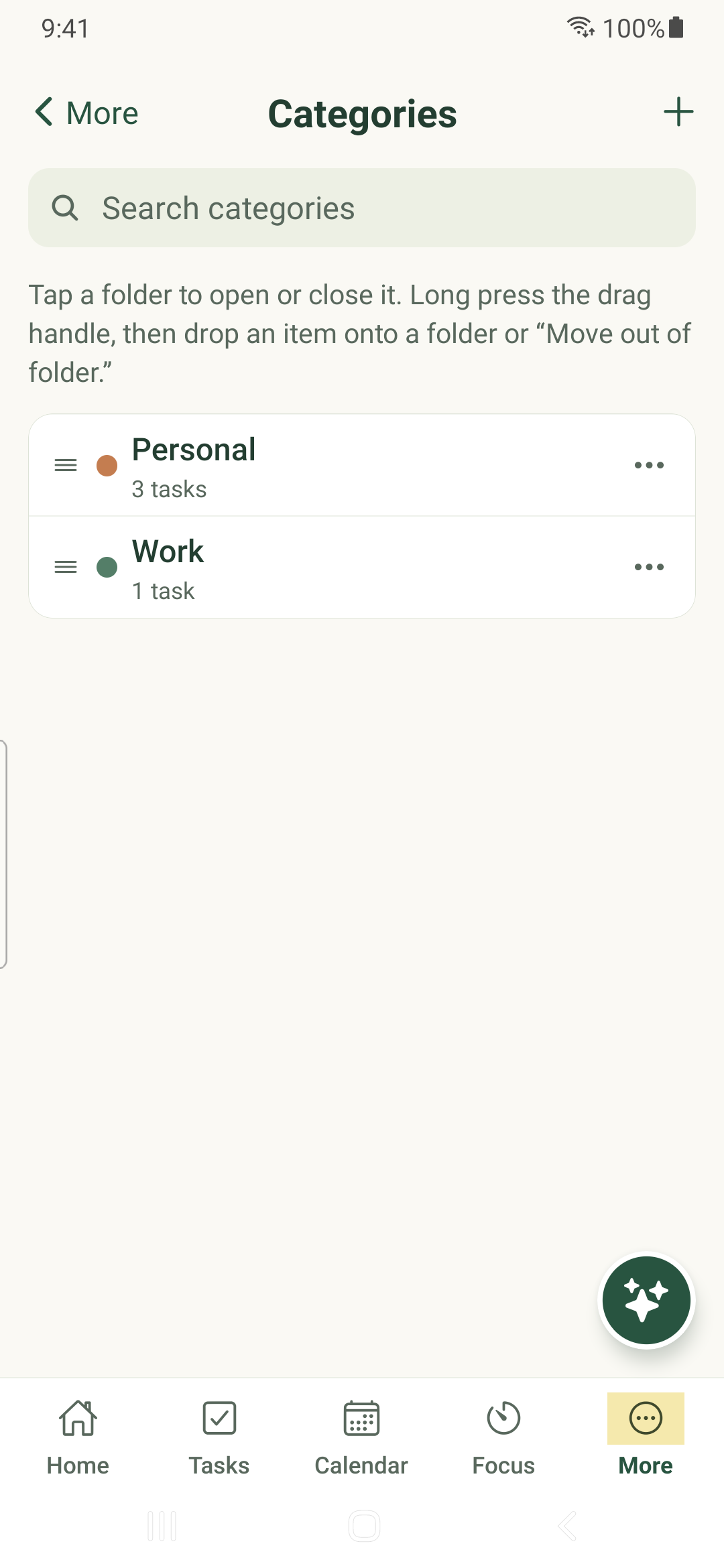
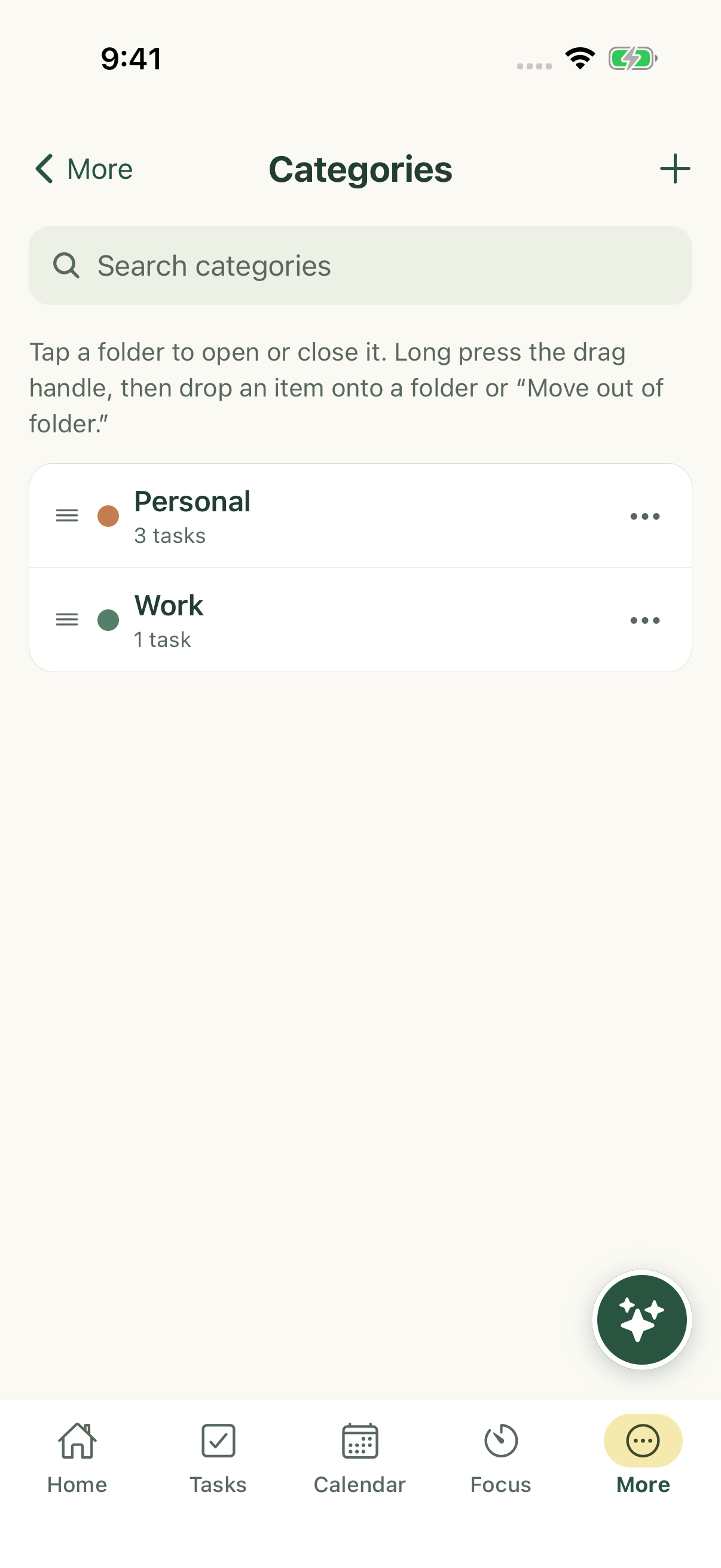
- Open More → Categories.
- Use the add control to create a category. Enter its name, choose a color and save.
- Use the folder controls to group related categories. A folder organizes categories; it is not itself a task category.
- Tap a category to see its tasks. Use its actions to edit, move or delete it when you have permission.
Move a task tree carefully
A parent and its attached descendants share one category. Moving a root changes the category of its whole tree.
Moving a non-root branch to a different category detaches that branch from its old parent. Its descendants move with it. Read the destination and affected-task count in the confirmation before proceeding.
Personalize category behavior
Category task preferences can override account defaults; unset values inherit account settings. Tags also have task sort preferences. Color helps identify the category or tag and is separate from the app’s color palette.
Deletion can affect more than the visible list. Read the confirmation and resolve sharing restrictions rather than assuming deletion only removes a label.
iPhone example
Android example