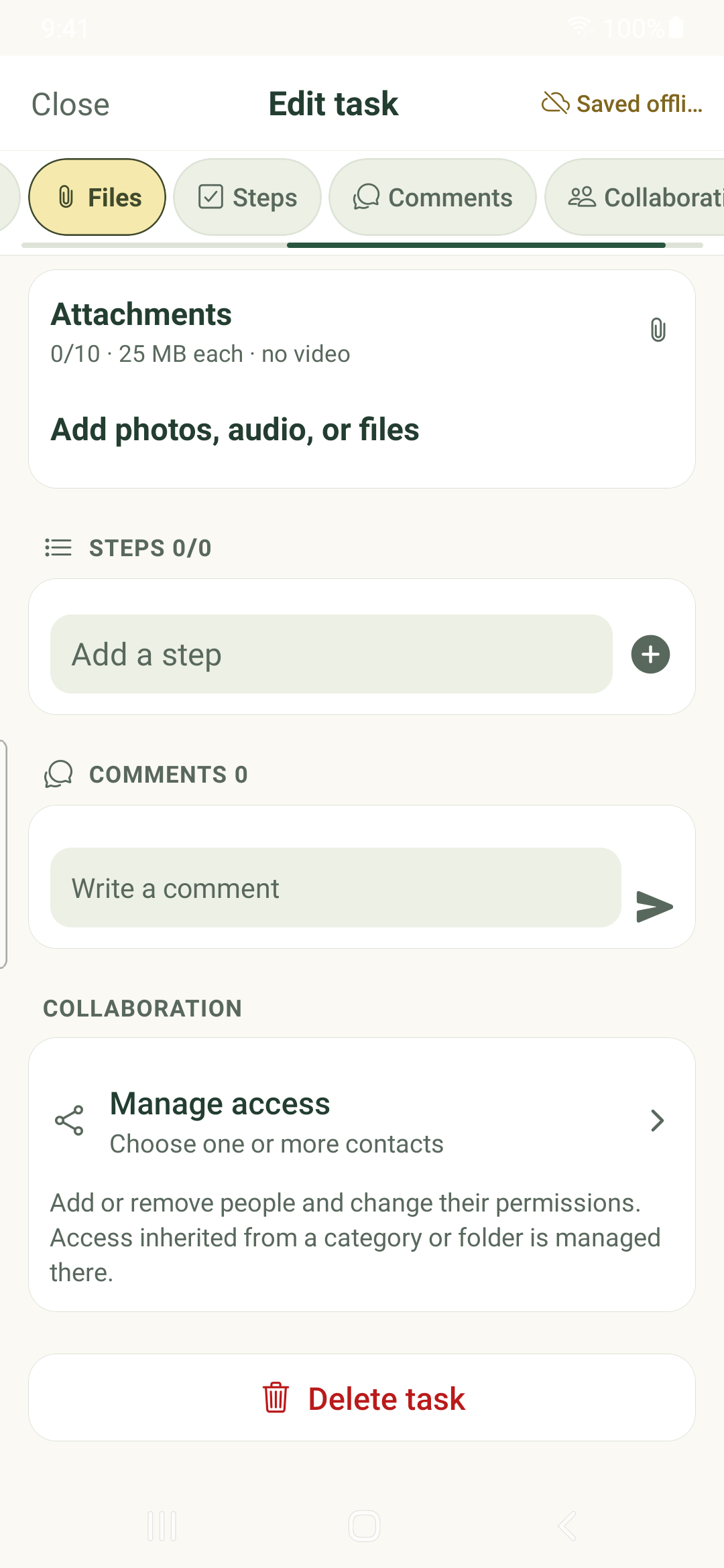
Keep task context together using rich notes, lightweight checklist steps, attachments and comments.
Write task notes
- Open a task and choose Notes from its editor tabs.
- Open the notes editor and write the context you want to keep. Use its formatting controls as needed.
- Finish the notes editor and check the save state before closing the task.
Choose steps or subtasks
Use Steps for a lightweight checklist within a task. Add a step title, then check it off as you work.
Use Subtasks when an action needs its own dates, priority, notes or children. Checklist steps do not replace independent task records.
Attach supporting material
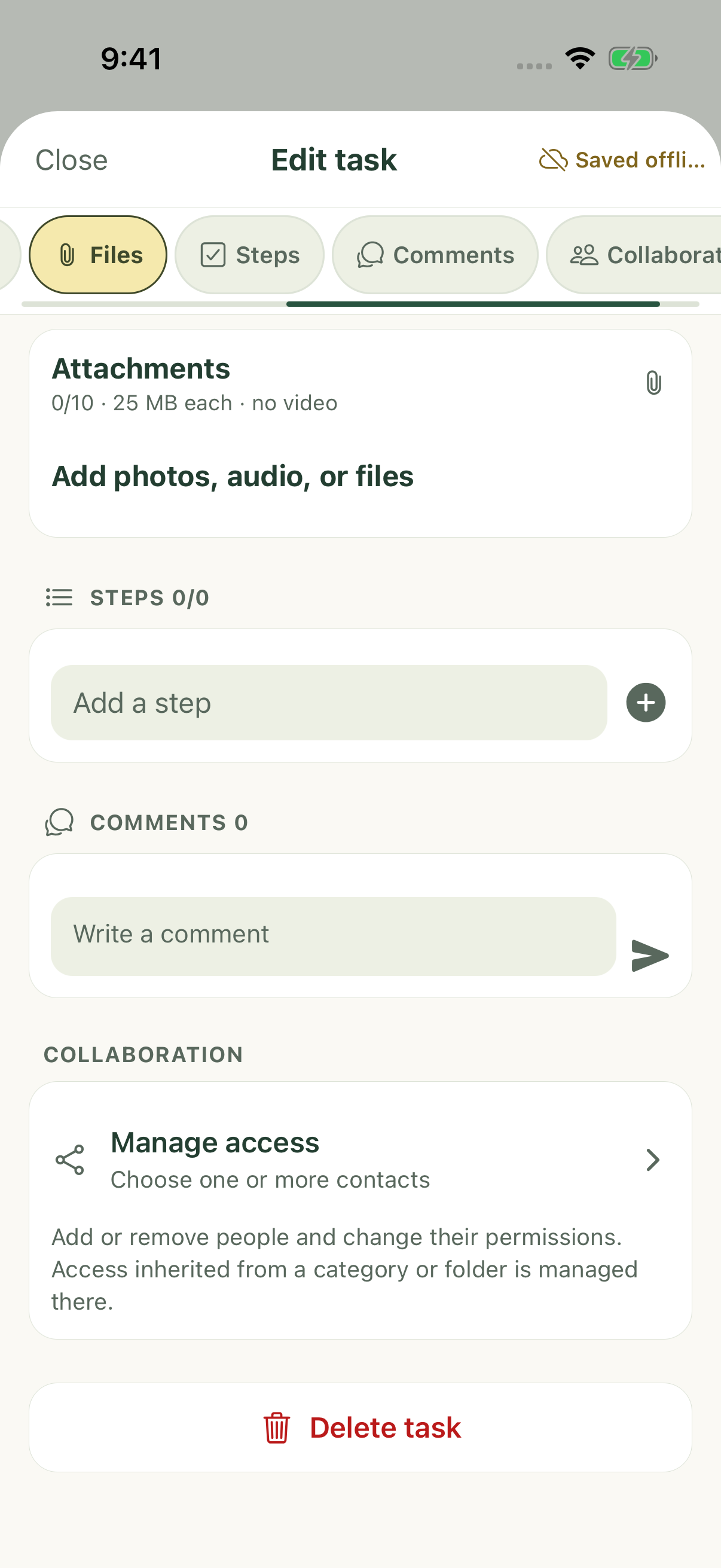
- Open Files in the task editor.
- Choose the available photo, file or audio action. Grant device access only when you intend to use that source.
- Choose or record the item, then check its upload or pending state. Local availability is separate from availability on another device.
Discuss the task
Open Comments to read or add discussion when your access allows it. Comments are shared task content; check the task and recipients before submitting.
Editing and deletion controls depend on your permissions. Cached comments and files can be incomplete while offline.
Review storage before deleting
More → Settings → Media & storage shows the media library, sizes and task references. Delete everywhere removes the media from its references; it is not a local cache cleanup button. Confirm the affected tasks before deletion.
iPhone example
Android example