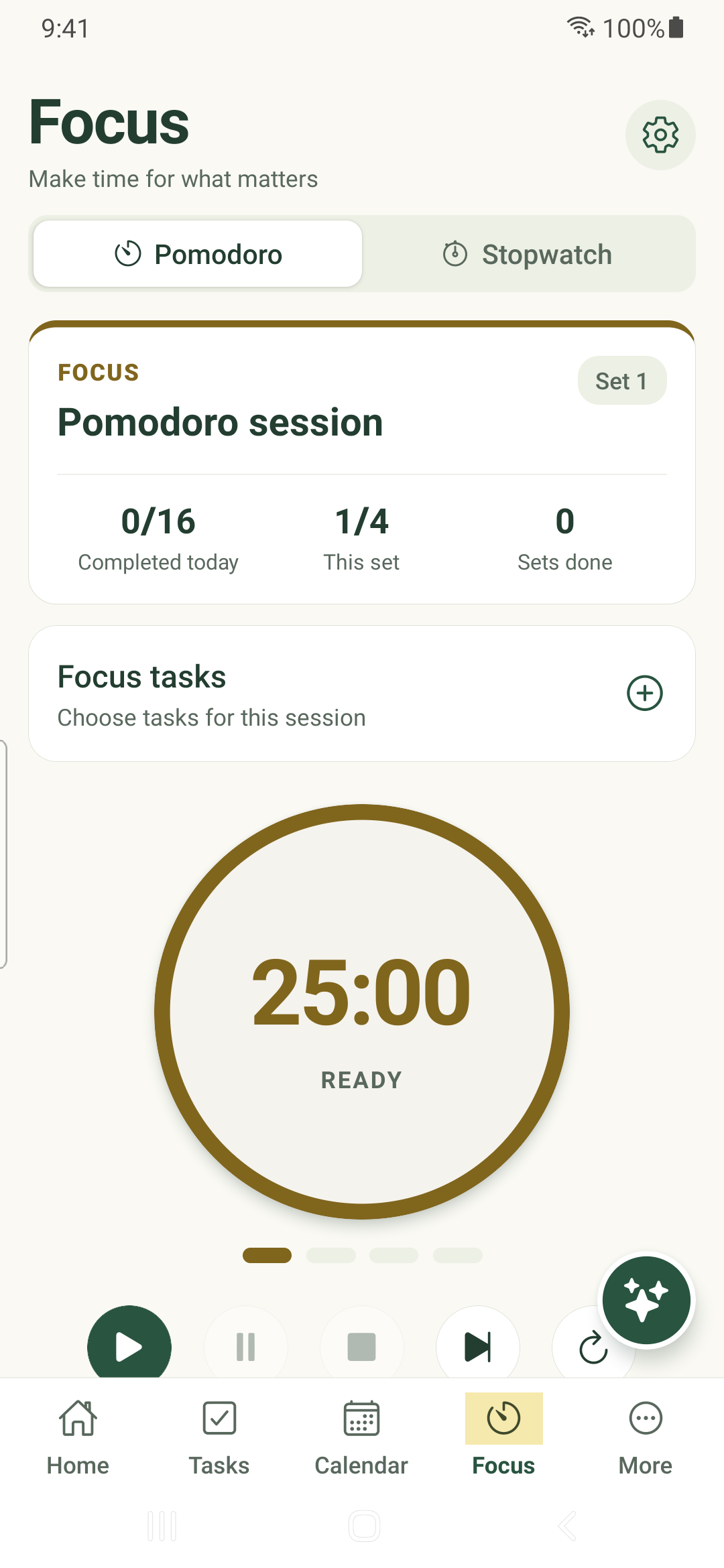
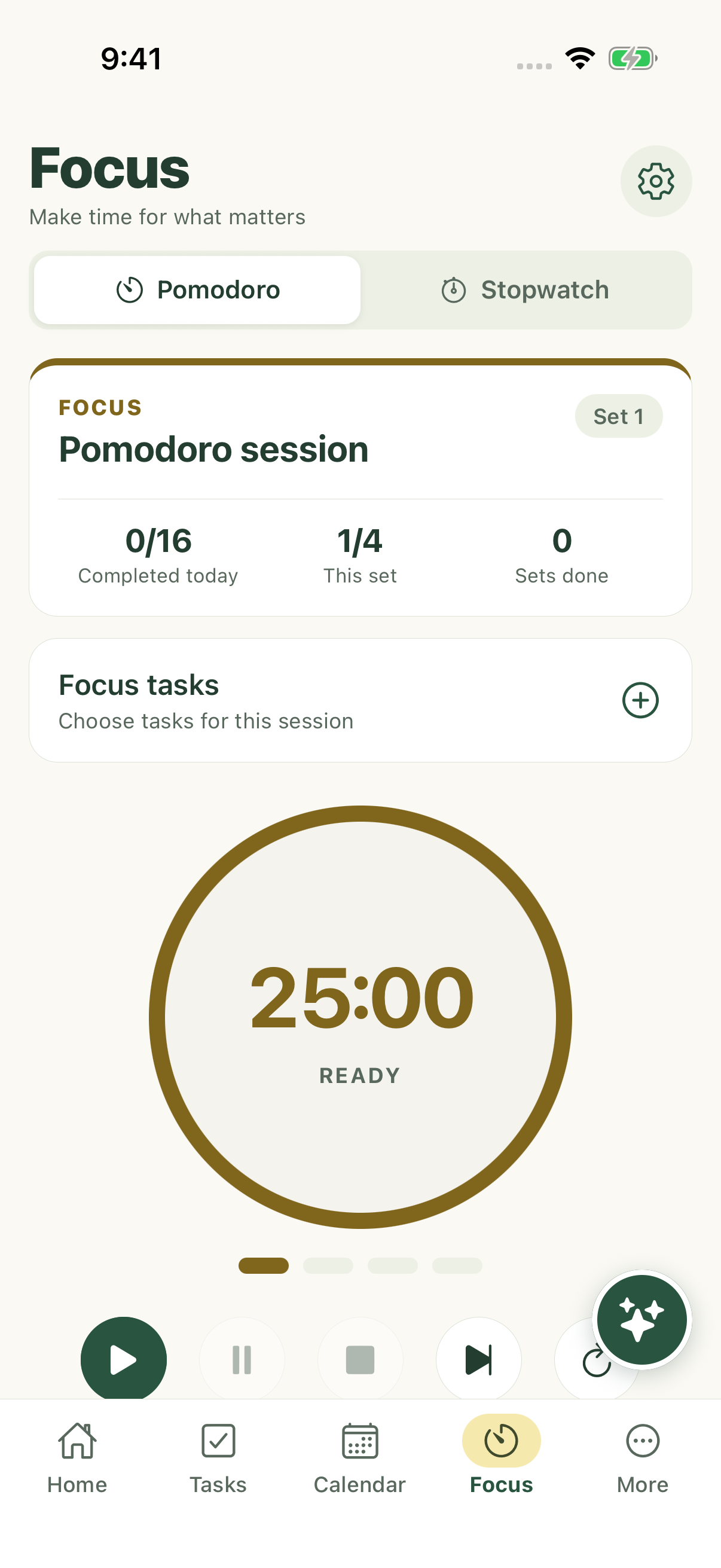
Run a planned focus interval or measure open-ended work, with task selection and timer settings in the native app.
Start a focus interval
- Tap Focus and select Pomodoro.
- Choose Focus tasks and select the work you want to concentrate on.
- Review Timer settings, then tap Start. A live account check may be needed to reserve the session.
- Use Pause to keep your elapsed progress, then Resume when ready. Review Stop, Skip or Reset before ending the interval.
Measure open-ended work
- Select Stopwatch in Focus.
- Optionally choose the task that should receive the time.
- Tap Start, then Pause when interrupted. Resume continues the same timer.
- Use Save when you want to record the tracked time. Reset clears the timer rather than saving it.
Set a comfortable rhythm
Timer settings include focus, short break and long break lengths, sessions per set and the session goal. Auto-start controls decide whether breaks or focus resume automatically.
Keep-screen-on, completion notifications, completion sounds and ticking sounds are separate choices. Notification permissions and device sound settings still apply.
Understand saved history
Changing tabs does not intentionally end the timer. Return to Focus to inspect its state. Timer persistence and server history synchronization are separate.
Very short intervals may not be recordable. Check the save message and pending state rather than assuming every brief start/stop creates a history row. Statistics → Focus & timer shows the available history.
iPhone example
Android example