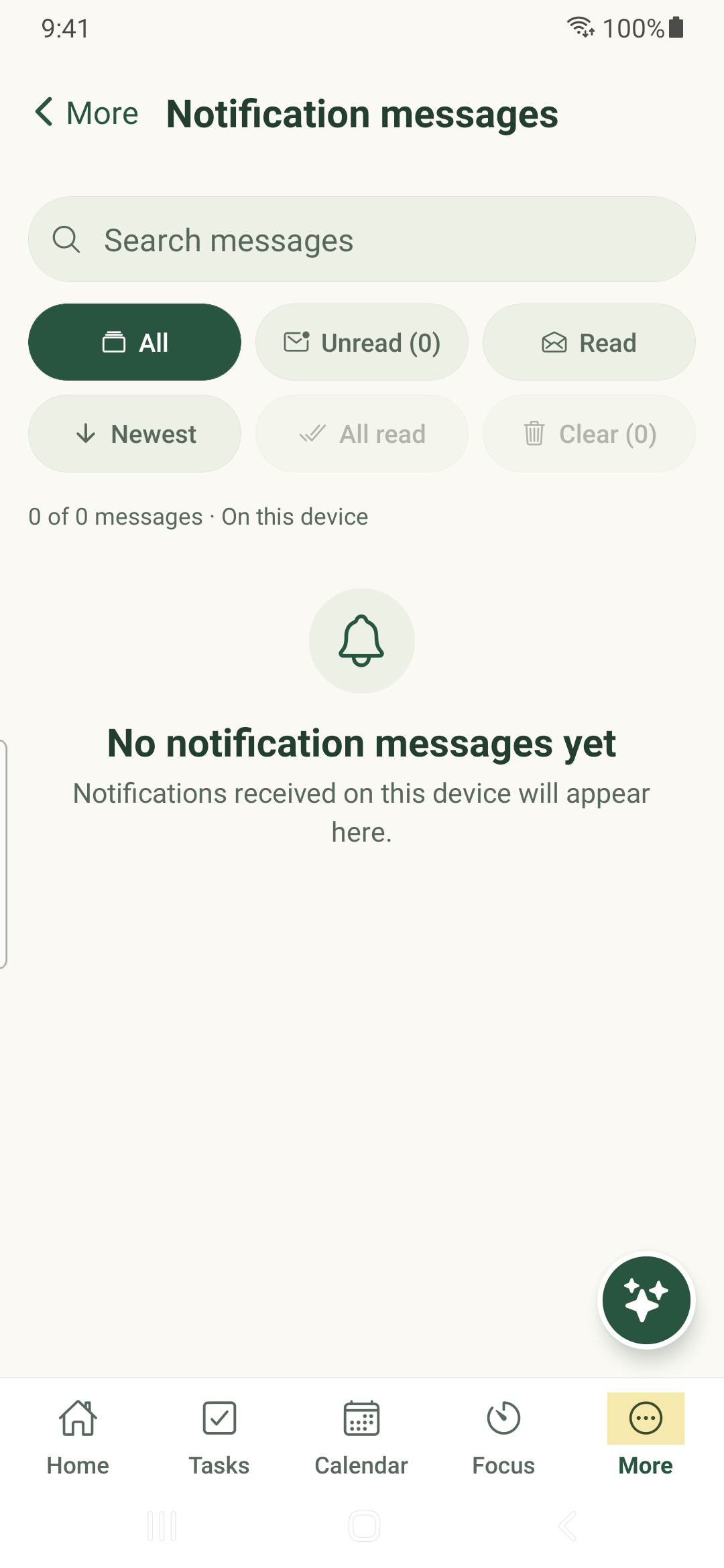
Find messages received on this phone and check the permission settings that control future alerts.
Open the message history
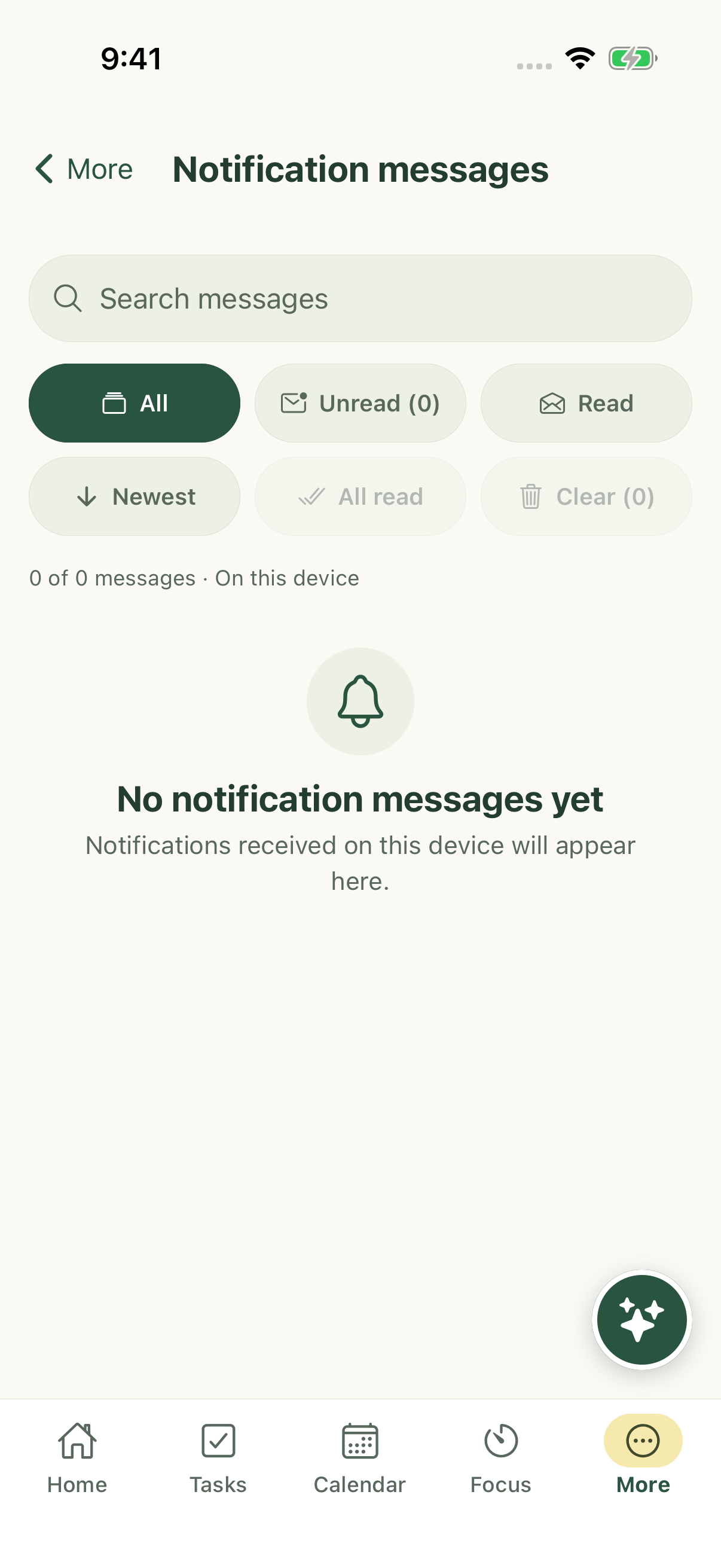
- Open More → Notification messages.
- Tap a message to open its supported destination, such as the referenced task.
- Use the history controls to mark messages read or clear the device’s message history.
History is not your task list
The history contains messages stored on this device. Clearing it does not delete the underlying tasks. It also does not prove that every server notification was delivered to this phone.
A message can point to work that has changed, been deleted or is no longer shared with you. Refresh the workspace and check your access if its destination is unavailable.
Configure future alerts
Open More → Settings → Notifications to inspect System permission, local notifications, daily motivation and timing. Task reminders has separate channel and lead-time settings. Save your changes.
If your build offers Test this phone’s alerts, it schedules a local test. A successful local test does not verify remote push, email delivery or changes made from another device.
iPhone example
Android example