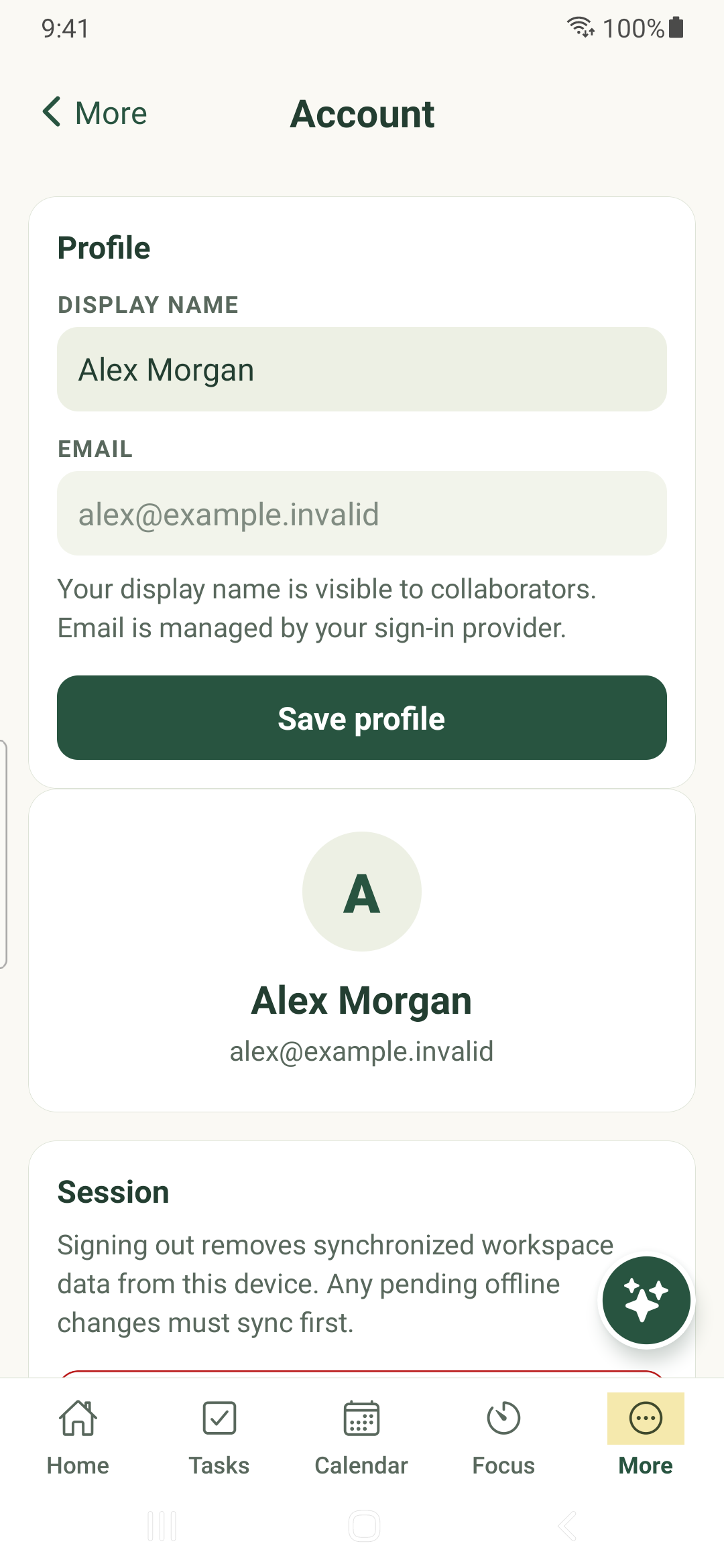
Update your display name, find documentation and sign out only after pending work has synchronized.
Update your profile
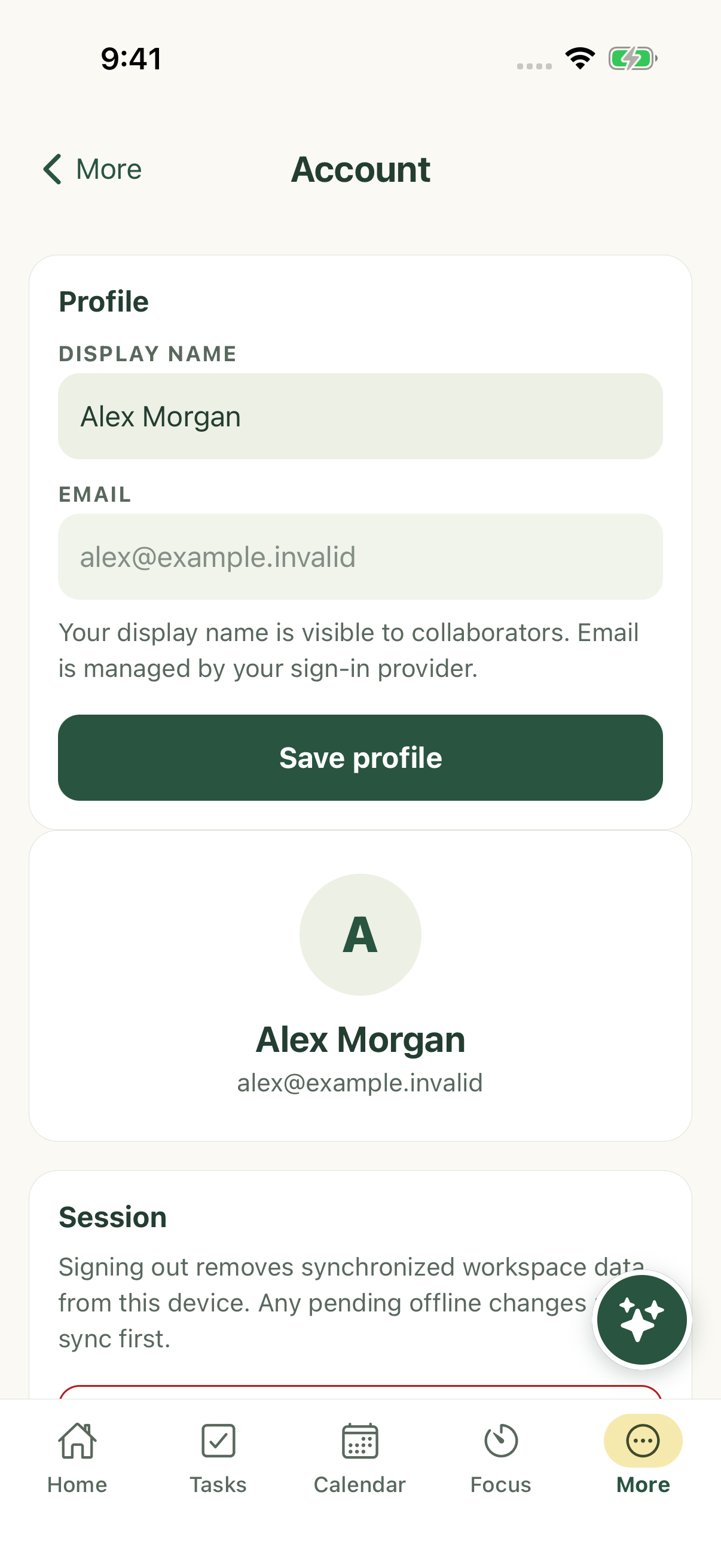
- Open More → Account.
- Edit Display name and tap Save profile. Your name is visible to collaborators.
- Use your sign-in provider to manage the account email; it is read-only here.
Sign out safely
Account explains that signing out removes synchronized workspace data from this device. Synchronize pending offline changes first.
Read any pending-write or sign-out error and resolve it before clearing app storage, uninstalling or trying another account. These actions are not a safe way to repair an unsynchronized queue.
Find help
More → Documentation opens the public native guide library. Back moves through articles; Done returns to the app. Android hardware Back follows the reader’s history before leaving it.
Documentation needs an internet connection. If it fails to load, reconnect and use Try again. Your locally stored tasks remain in the app.
More → Help & feedback offers getting-started guidance and support/legal links. Describe the screen, device, app version and exact result when reporting an issue; omit private task content and credentials.
Native and web availability
These guides describe the native source and demonstrated workflows. They do not establish that every store build contains the same features. Task Maps and task import should be used through the web application where documented; this library does not invent native controls for them.
iPhone example
Android example