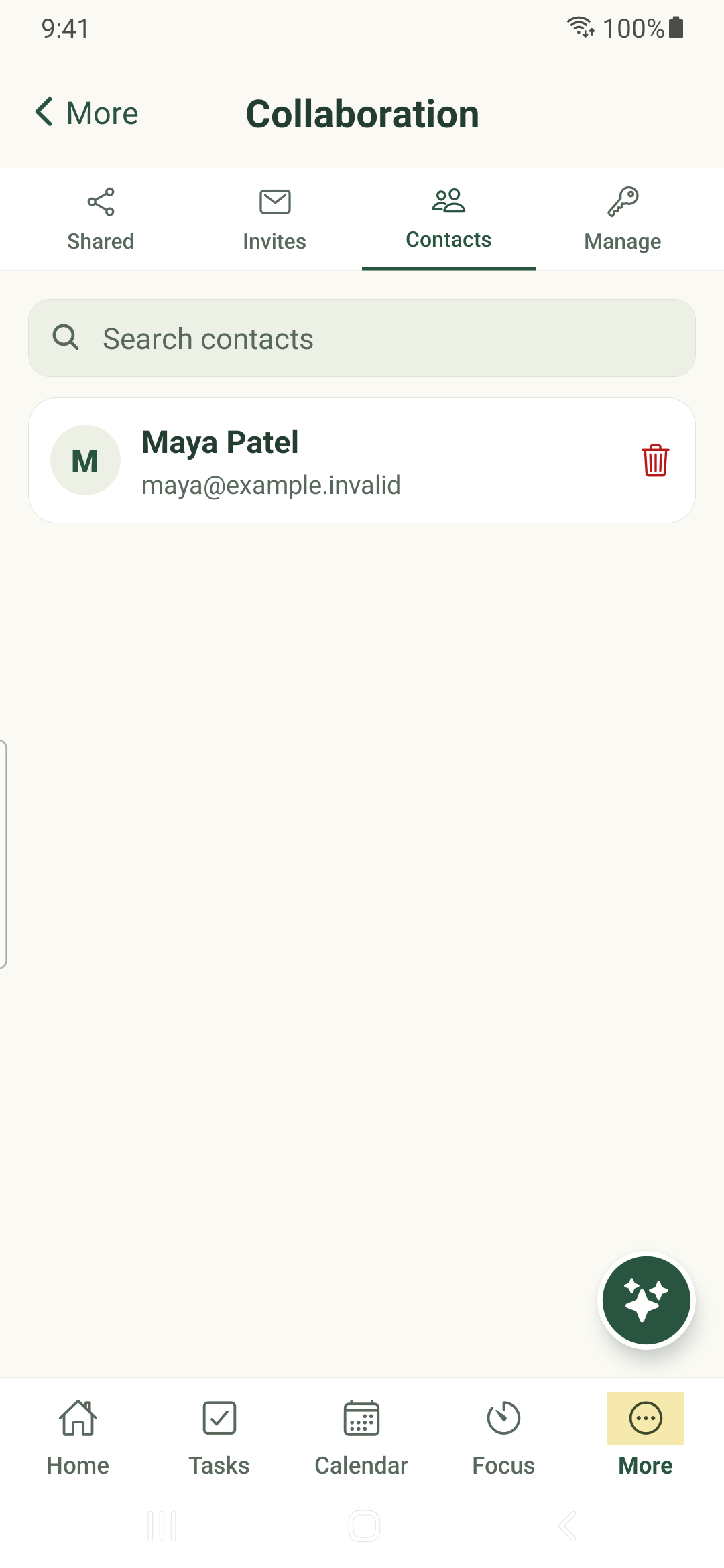
Invite a contact, choose tasks or organization items to share, and review each person’s permissions before saving.
Create a contact
- Open More → Collaboration → Invites.
- Choose the new-invitation view, enter the email address and an optional message, then review them.
- Send invitation when ready. The other person must accept before becoming a contact.
- Use Sent or Received to review invitations; accept or decline incoming requests deliberately.
Review existing access
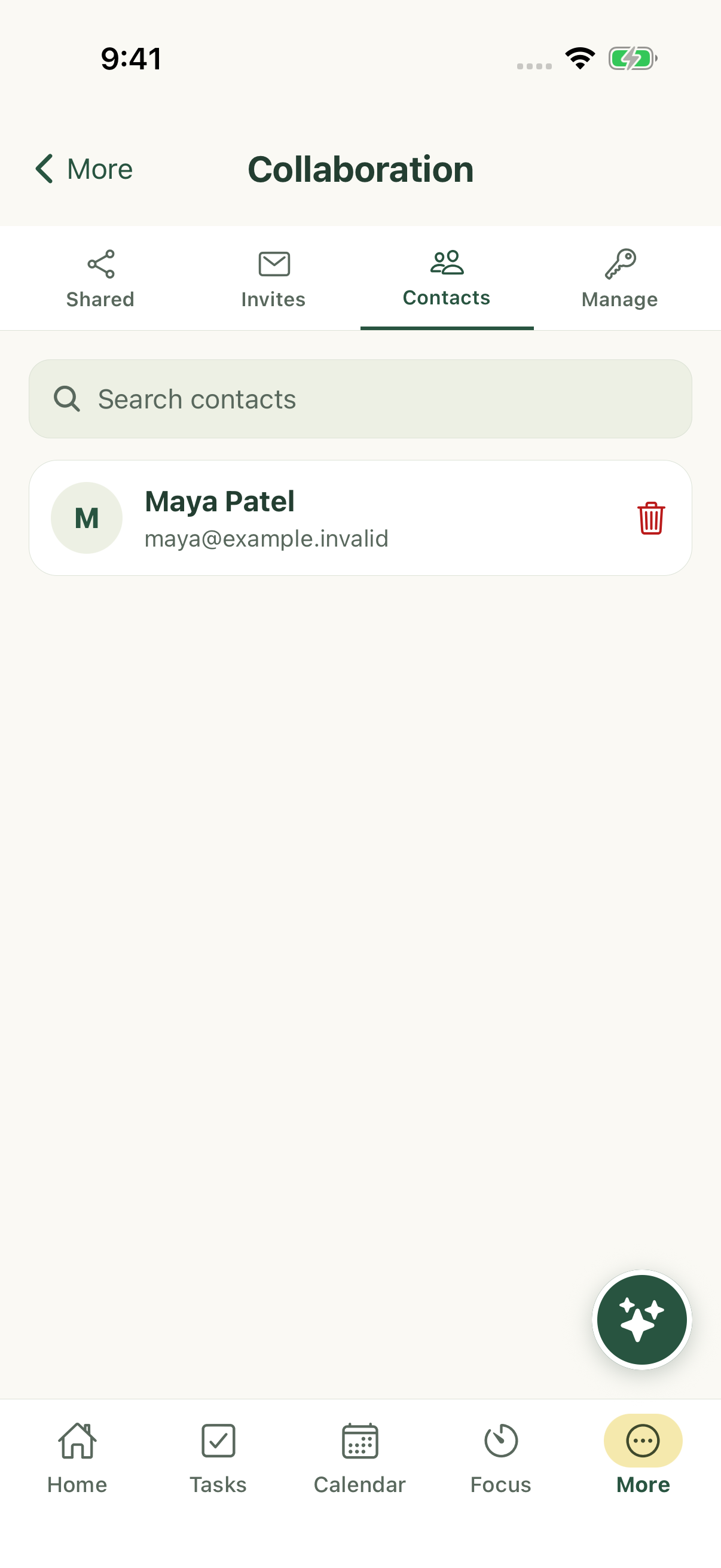
Shared distinguishes work shared by you from work shared with you. Contacts lets you find the people you collaborate with.
Manage shows direct collaborators. Access can also come from a parent task, recurring series, category or folder, so removing one direct grant may not remove inherited access.
Use the available role descriptions to check edit and delete permissions. Do not infer permissions from a person’s name or from the fact that an item is visible.
Connection and confirmation
Reading a cached collaboration snapshot can work offline. Invitations and permission changes require a live authenticated connection. Wait for the save result before assuming access changed.
Documentation captures use fictional contacts and do not send invitations or modify real sharing.
iPhone example
Android example